
It happens to the best of us. You are deep into your work at your desk in Mogappair, sipping on your morning tea, coffee, or water, and with one accidental hand wave—splash! Liquid all over your laptop keyboard.
Liquid damage is a ticking time bomb. The longer the moisture stays inside, the more it corrodes the motherboard, causing permanent short circuits. If this just happened to you, do not wait! Bring your device to The Toool Box for professional liquid damage laptop repair in Mogappair West.
Emergency Steps To Take Immediately:
- Turn It OFF Immediately: Hold down the power button until the lights go off. Do not perform a standard Windows shutdown.
- Unplug Everything: Remove the charger, mouse, and any USB drives.
- Flip It Like a Tent: Turn the laptop upside down (in an inverted ‘V’ shape) so the liquid drains out of the keyboard rather than seeping deeper into the motherboard.
- DO NOT Use Rice or a Hairdryer: Rice creates dust that clogs components, and a hairdryer pushes the liquid deeper into the machine while melting plastic parts.
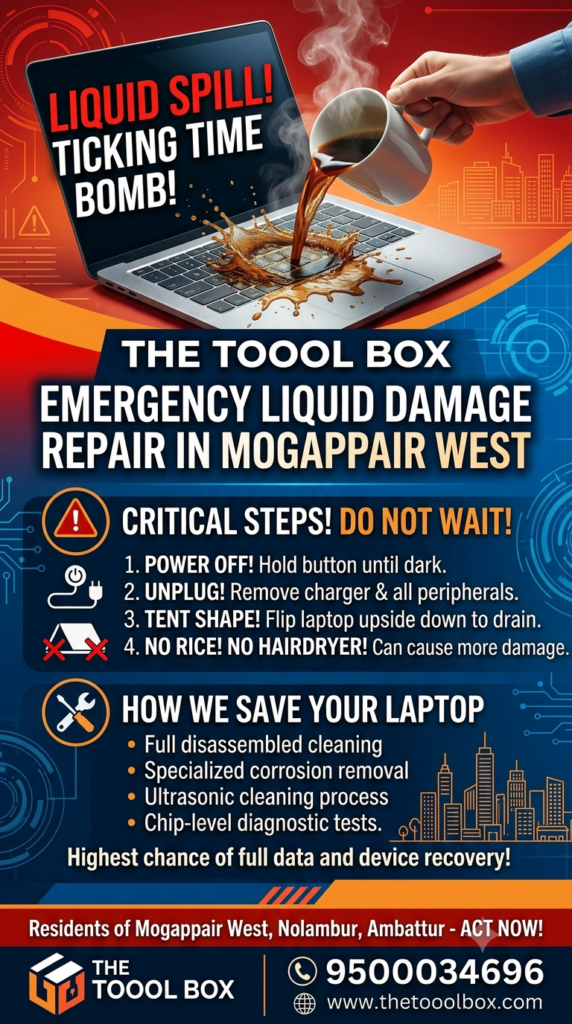
How The Toool Box Saves Your Liquid-Damaged Laptop:
We open up the laptop entirely, clean the motherboard using specialized chemical solutions (Ultrasonic cleaning process) to remove corrosion, dry all components thoroughly, and perform chip-level diagnostic tests to fix any short circuits.
Time is your enemy when it comes to water or coffee spills. Residents of Mogappair West, Nolambur, and Ambattur—rush your laptop to The Toool Box immediately for the highest chance of full data and device recovery!